
Nowa Lifetime Deal
Nowa Lifetime Deal is a no-code platform that makes it easy to create mobile, web, and desktop apps in a fraction of the time. Alternative to Webflow, Wix.

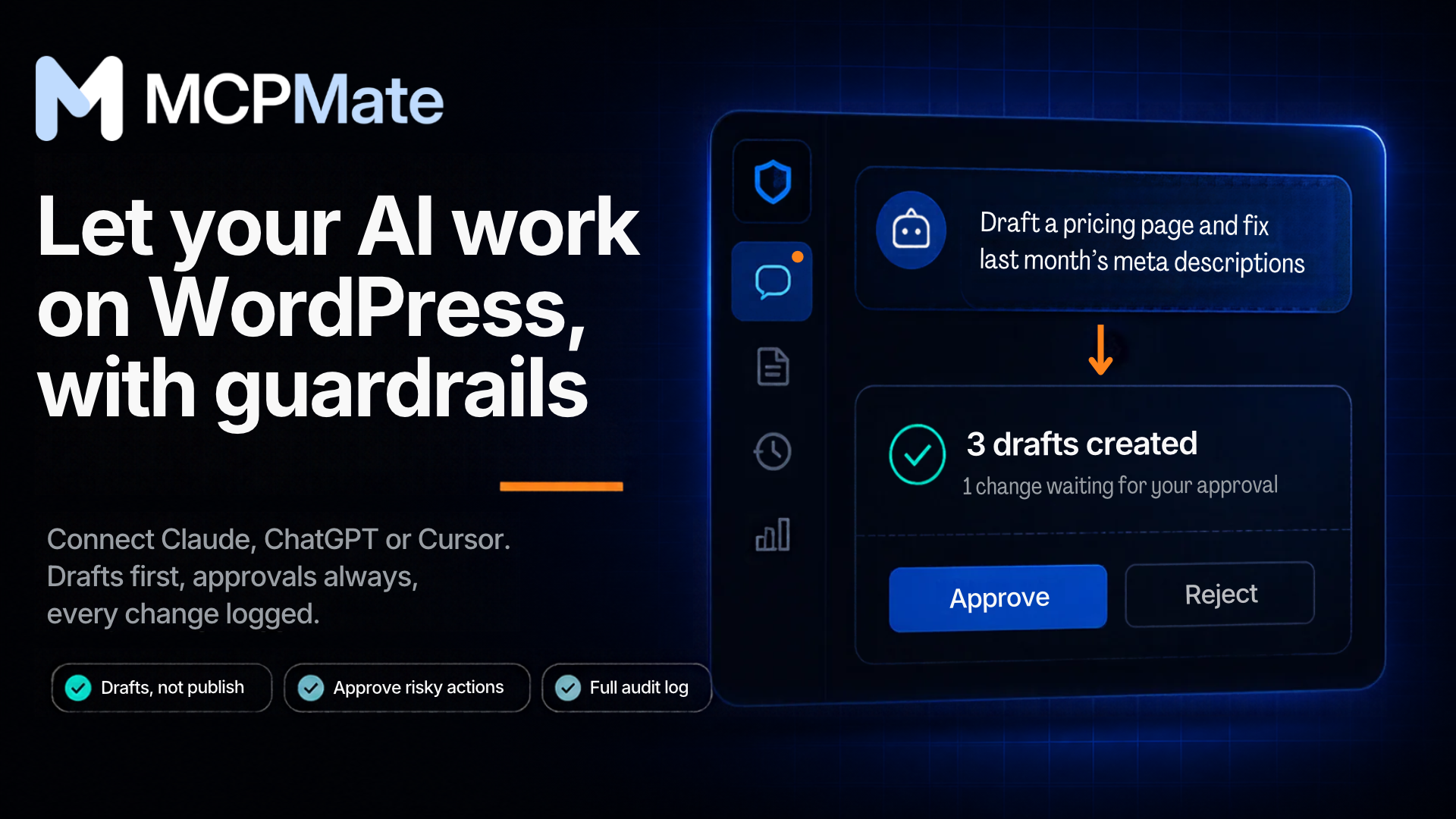
Let your AI app draft and edit WordPress pages while you approve what goes live on your site
Disclosure: SAASTOOLY may earn an affiliate commission from qualifying purchases, at no extra cost to you. Deal terms can change, so the current AppSumo listing is authoritative.
If you already pay for Claude or ChatGPT, you probably use it to write pages, SEO titles and product copy. Then someone spends an hour moving that text into WordPress by hand, rebuilding the layout and pasting meta descriptions one post at a time. You pay for the AI, and you pay again in hours or in a freelancer's invoice.
MCPMate connects the AI app you already use directly to your WordPress site, so the draft appears where it belongs. The deal starts at $39 once for one site. Our guide to lifetime deals versus subscriptions is useful background if you are weighing another plugin licence.
MCPMate is a WordPress plugin that turns your site into its own MCP server, the standard that lets AI apps use outside tools. You install the plugin, paste one URL into Claude, ChatGPT, Cursor or another MCP-ready app, and approve the connection in wp-admin.
The listing states that no passwords or API keys are shared and that no third-party server sits between the AI and your data. The AI's work is saved as drafts, removals go to the trash, and riskier actions wait for your approval.
The listing shows MCPMate founded on September 1, 2026 in Bangladesh, bootstrapped, with a team of 1 to 10. Founder Niloy Das says they have built WordPress plugins for six years. The product is sold in AppSumo Radar, the section for early-stage products.
One-time price: $39 for 1 code (1 site), $78 for 2 codes (5 sites), $117 for 3 codes (unlimited sites).
Discount shown: AppSumo was also displaying a reduced price of $35.10 per code. Check the final price at checkout.
Access and updates: Lifetime access to MCPMate and all future plan updates.
Codes and stacking: Stack up to 3 codes.
Redemption deadline: Redeem your codes within 60 days of purchase.
Refund window: Refundable up to 60 days.
Guarantee: The listing states AppSumo's "We Got Your Back" guarantee does not apply to this deal.
AI apps named: Claude, ChatGPT, Cursor, VS Code with Copilot, Windsurf and Gemini CLI.
Page builders named: Elementor, Bricks, Divi, Beaver Builder, Breakdance, Oxygen and WPBakery.
SEO plugins named: Yoast, Rank Math, All in One SEO and SEOPress.
The listing gives no monthly price to compare against, so judge it by the work it removes. If it saves you one paid hour of page building or metadata cleanup, the $39 code is close to covered. If it lets you cancel another AI content plugin, the case is stronger.
Remember the cost that stays. MCPMate does not include an AI subscription. You use your own AI app, and its vendor bills you separately.
You paste one URL and approve the app in wp-admin. Because your own site is the MCP server, there is no MCPMate account or hosted server to depend on. Any app can be revoked in one click.
Every post and page the AI creates or edits with MCPMate's own tools is saved as a draft. Deleted items go to the trash. Plugin installs, search and replace, design changes and live store edits wait in a queue with a preview, and you approve or reject each one.
The audit log shows the app, the tool, the result and how long each call took. Change history keeps before and after snapshots with line-by-line differences. The listing states that secrets such as passwords and API keys are masked in the log.
MCPMate works through each plugin's own code, which the listing says keeps layouts, caches and CSS intact. It covers the major page builders, SEO plugins, custom fields, form plugins, and WooCommerce products, prices and stock.
Each connected app can have full, read-only or custom access. You can switch off individual tools, pause every app at once, or turn on Read mode, which hides write tools and refuses write requests.
| Codes | One-time price | Sites |
|---|---|---|
| 1 | $39 | 1 |
| 2 | $78 | 5 |
| 3 | $117 | Unlimited |
Every level lists the same four features: draft content edits, theme previews, WooCommerce tools and Elementor drafts. The number of sites is the only limit that changes.
Codes stack up to three, so you can start with one. The jump from one site to five costs one more code, and the jump to unlimited costs one more again. Our guide to AppSumo codes and stacking explains how that works.
It is an early-stage Radar product. AppSumo says it has verified the basics and reviewed the listing for safety, has not fully vetted every claim, and does not review software code. The "We Got Your Back" guarantee does not apply.
There is no one-click restore for most changes. Theme publishes can be rolled back and removed items sit in the trash. For other edits you have the before and after copies to work from.
Actions from other plugins follow their own rules. The draft and trash protections cover MCPMate's own tools. Actions from other plugins that you turn on can behave differently.
A free plugin exists. The FAQ says that if a Pro licence ends, the Pro tools switch off and the free plugin keeps working. Compare what the free version covers for you first.
Run these checks with our list of factors to verify before buying a lifetime deal:
Who it suits
Who should look elsewhere
MCPMate solves a specific problem well on paper. It puts your existing AI app to work inside WordPress, and the safeguards are the reason to consider it: drafts, approvals, an audit log and access that can be cut off in one click.
The risk is age. The company was founded in September 2026 and the deal sits in Radar, so treat it as a small bet on a new vendor. Most buyers should start with one code at $39 on a single site, then add codes once it has earned a place. Agencies can justify three codes, since $117 removes the site limit.
Two dates decide the purchase. Redeem your code immediately, because it must be redeemed within 60 days of purchase. Then decide by day fifty while the refund window is still open, using our AppSumo refund policy guide if it is not the right fit.
SAASTOOLY Rating: 4.5/5
An editorial rating based on the listed features, prices, limits and terms.
Not sure yet?
Run this deal through our free scorecard. Seven checks, a payback calculator, and a plain verdict on whether to buy.
Get the Lifetime Deal Scorecard, free
Not with MCPMate's own tools. Its work is saved as drafts and removals go to the trash. Actions from other plugins that you turn on follow their plugin's rules.
No. You use your own AI app, such as Claude or ChatGPT, and its vendor bills you separately.
No. Your AI app connects to your own site's address, and you approve it in wp-admin.
Yes. Read mode makes every connected app read-only at once. Write tools are hidden and write requests are refused.
By default, removing the plugin deletes its connections, logs and settings, and you can change that in Settings. Theme backups and draft copies stay on disk.
You must redeem your codes within 60 days of purchase, and the purchase is refundable up to 60 days.